Overview
Coaching products let clients book time with you based on your availability. Support one-on-one or group coaching with calendar-style scheduling built into checkout.
Before you start
- Creator account with profile and branding complete.
- Clear session length and timezone in mind for availability.
Step 1
Create a coaching product
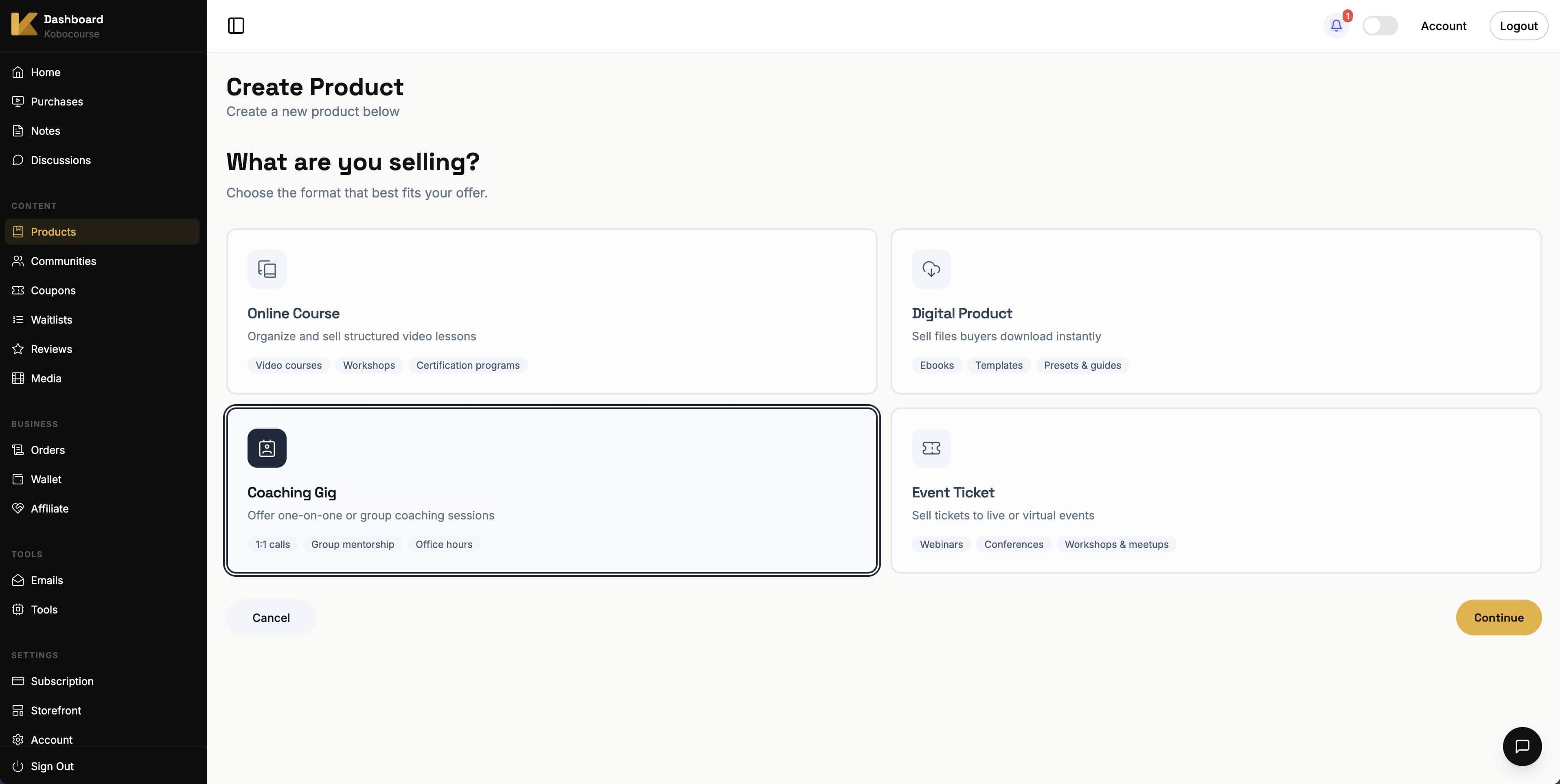
From Products → Add Product, choose Coaching Gig and continue.
Step 2
Set coaching title and price
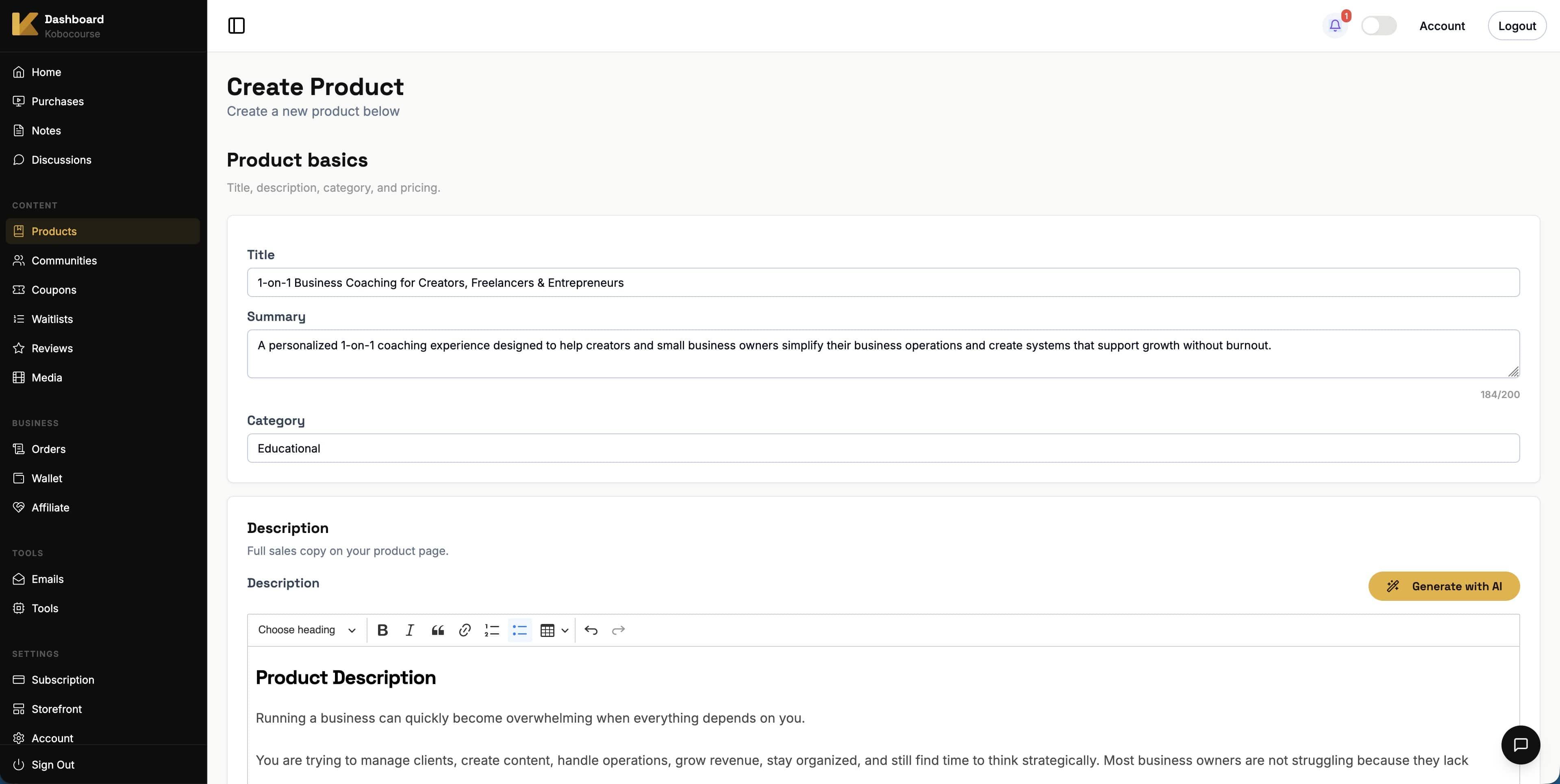
Add title, description, and price per session or package. Your sales page explains what clients get from each booking.
Step 3
Build the sales page
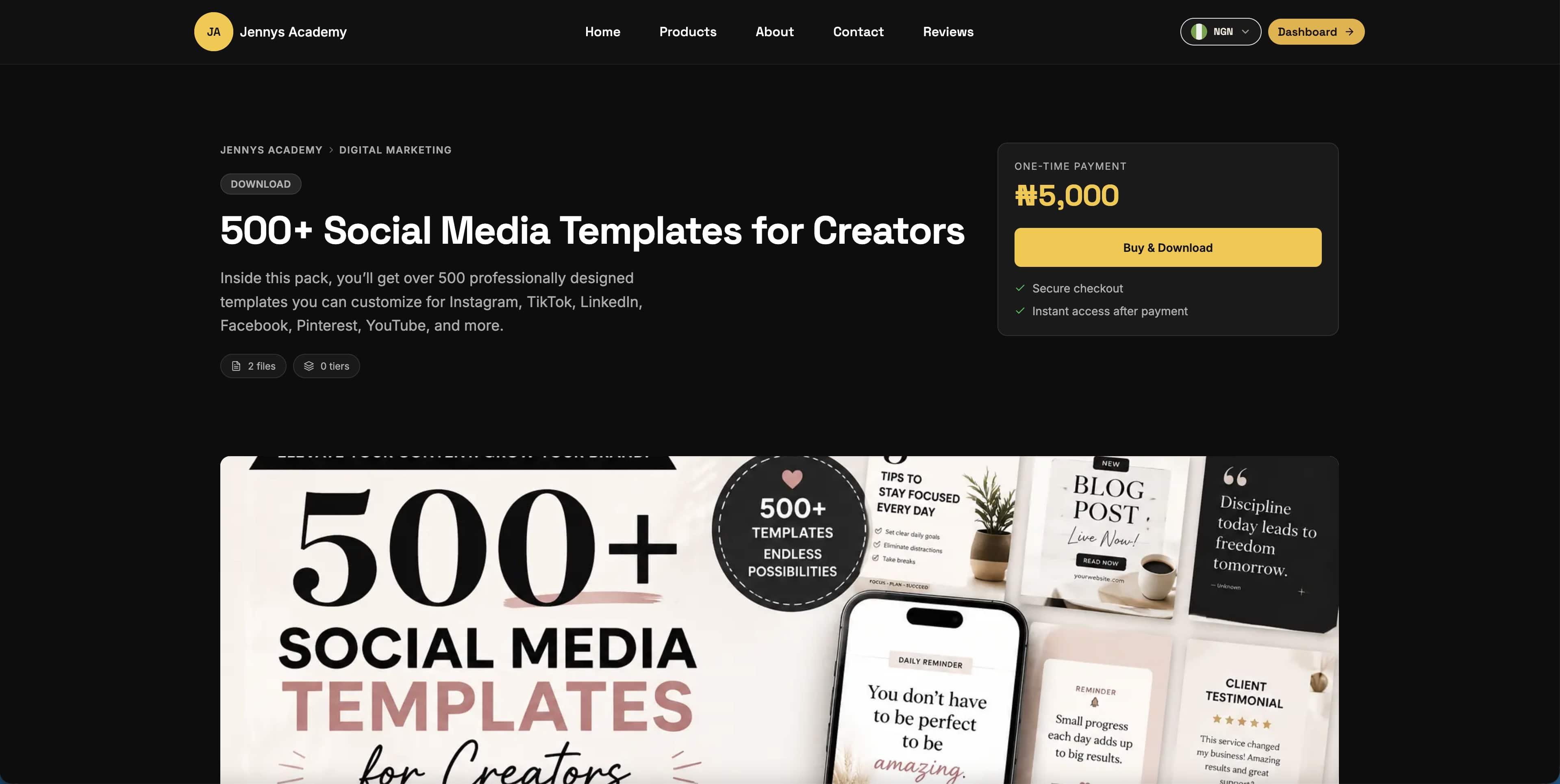
Upload imagery that reflects your coaching brand. Add FAQs about session format, duration, and preparation.
Step 4
Configure coaching schedule
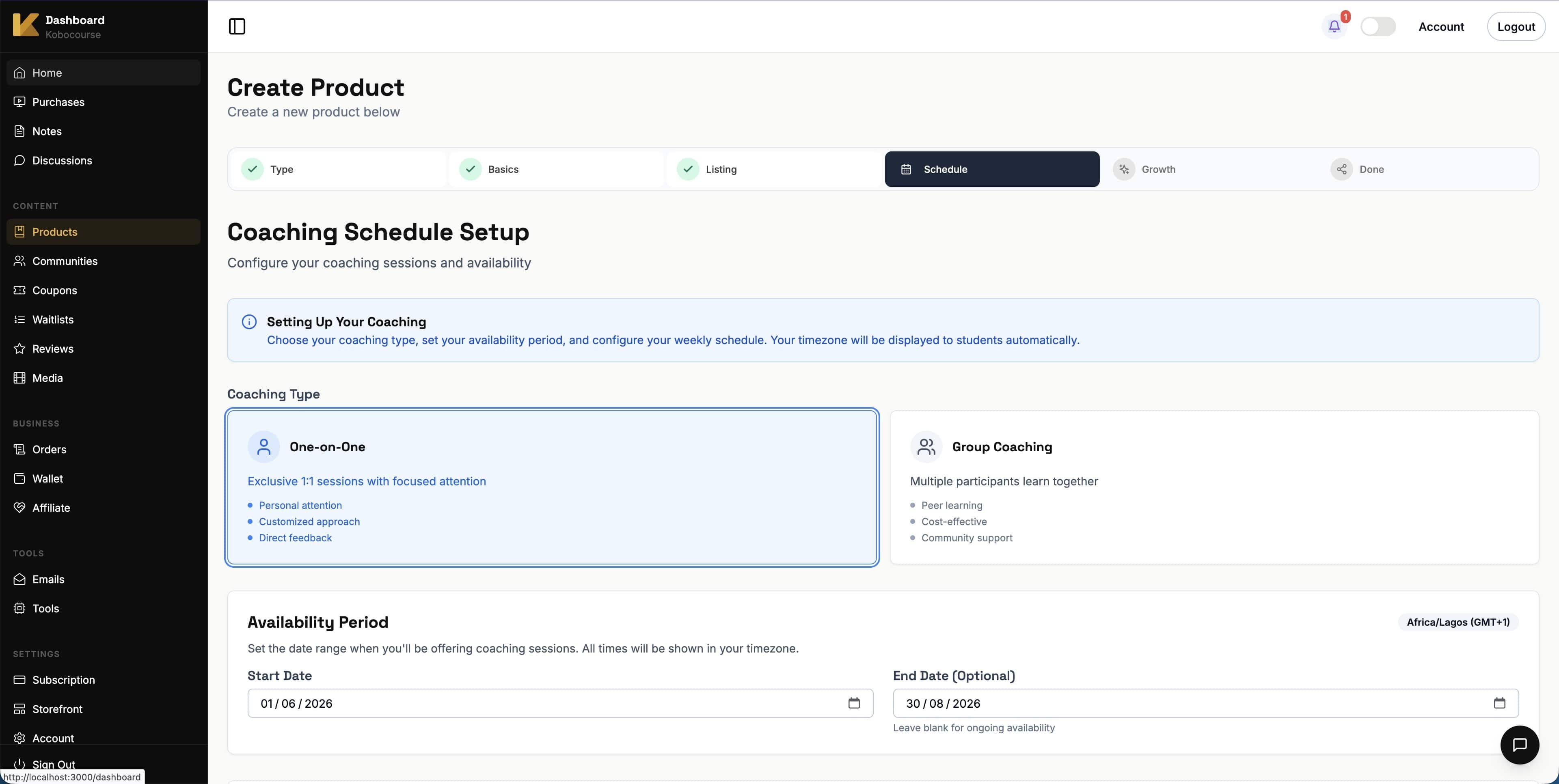
Select one-on-one or group coaching. Set your date range, check available weekdays, and add session time slots.
You can add multiple time blocks per day for flexible scheduling.
Step 5
Manage booked sessions
After clients book, open your coaching product and go to Sessions to see a timeline of upcoming and past bookings.
Select any session to view client details, add internal notes, add the session to your calendar, or take action on the booking.
- Reschedule — open a session, choose Reschedule, pick a new date and time from your availability, then confirm. The client receives an email with the updated time and your contact email.
- Cancel — use Cancel session if you need to free the slot. The client is notified by email; refunds are handled separately through your order and refund policy.
- Mark no-show — available after the session time has passed, for confirmed bookings that did not happen.
Step 6
Configure growth tools
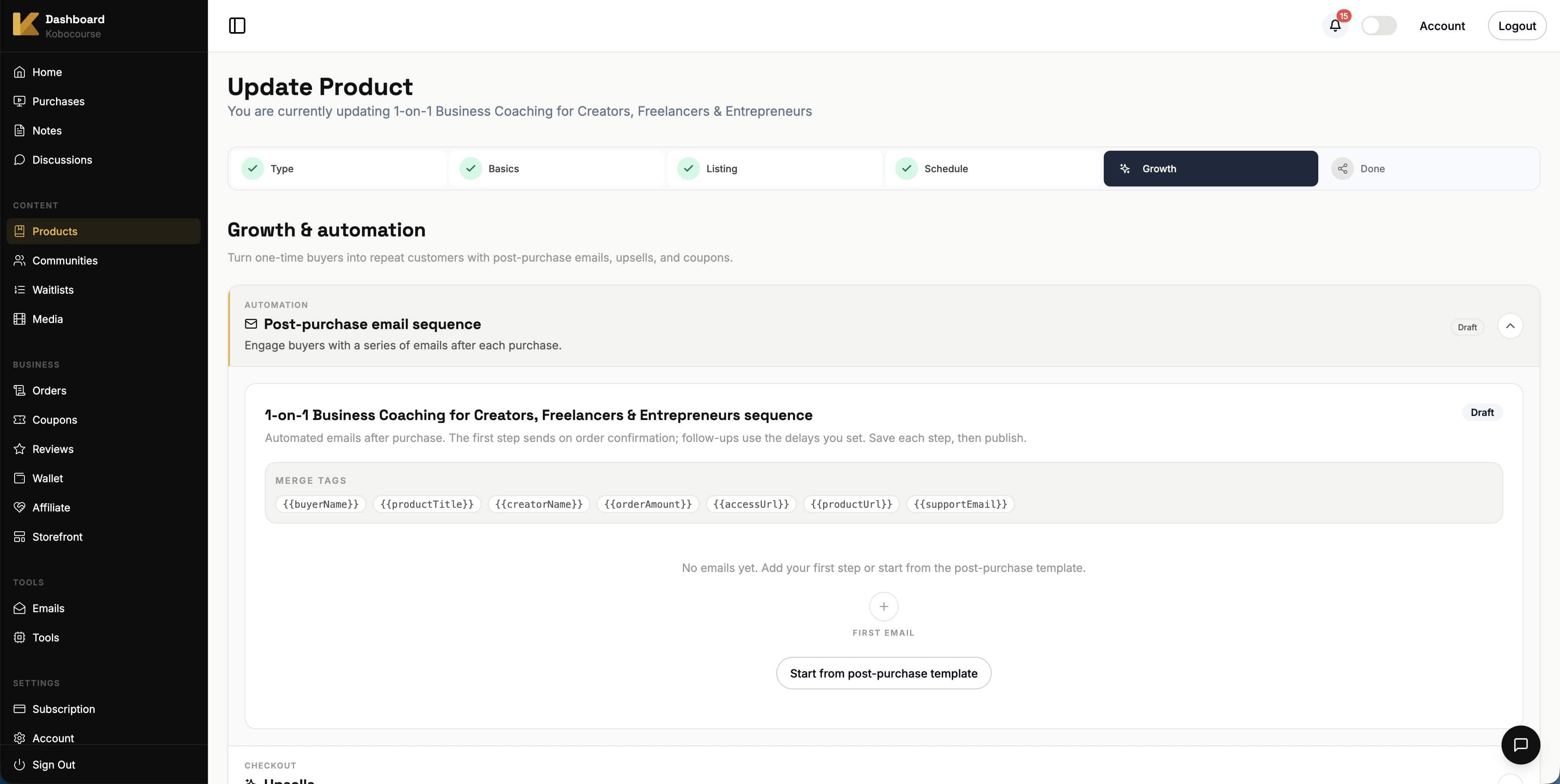
On the Growth step, attach related products as checkout upsells, enable coupon codes, and build an automated email sequence for new clients.
Step 7
Publish and share
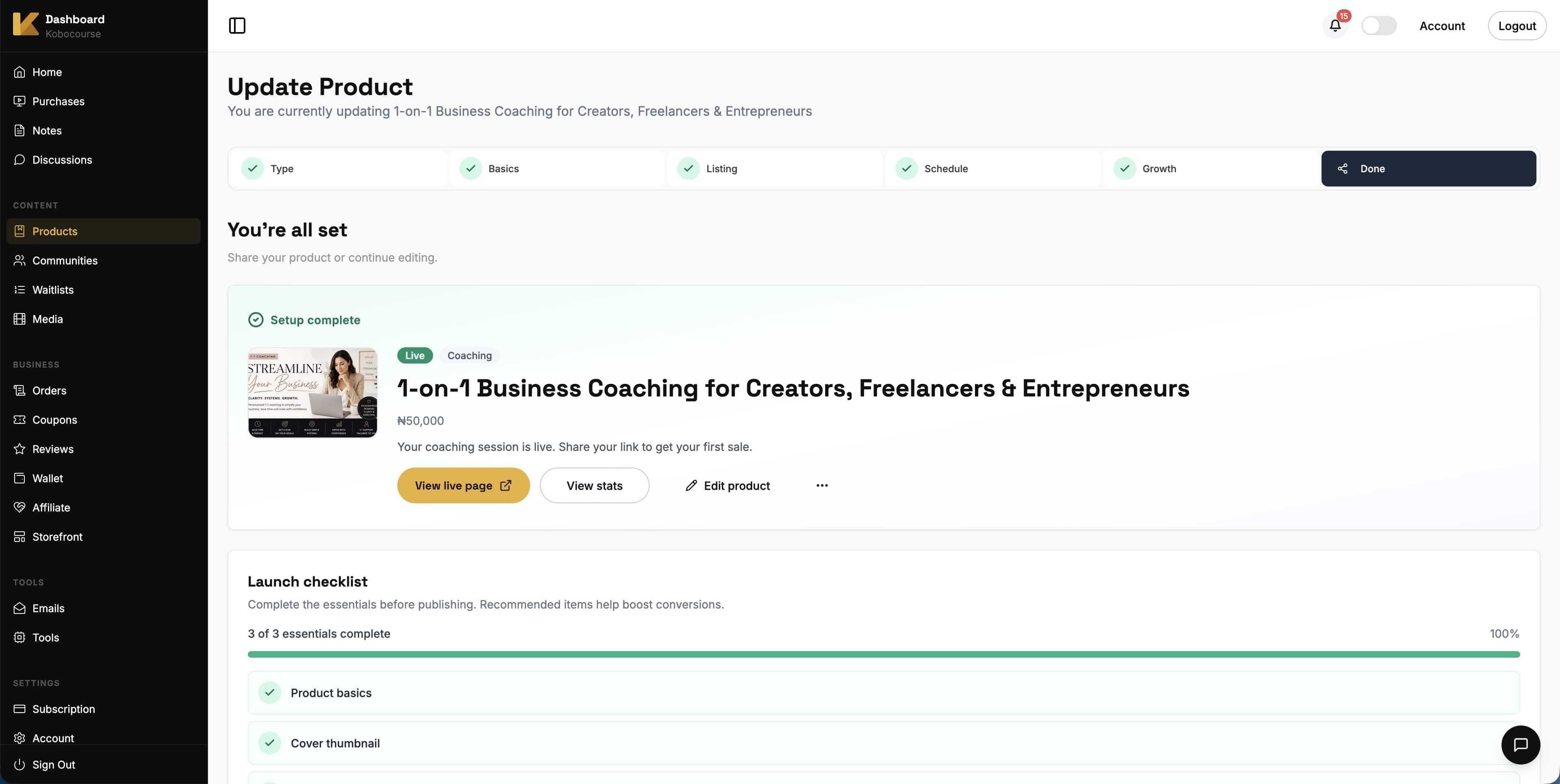
On the final step, publish your product so clients can book from your storefront. Copy the product link or QR code for promotion.
Tips & troubleshooting
- Keep availability realistic — blocked slots prevent double bookings.
- Clarify session length and timezone in your product description to reduce no-shows.
- Group coaching works well for office hours or cohort Q&A sessions.
- When you reschedule, pick a slot that is still open — the same rules as storefront booking apply, so double-booked times are rejected.
FAQ