Overview
Product email sequences send automated messages after someone buys a specific product. Use them for onboarding, upsells, or check-ins — configured on the Growth wizard step or product detail.
Before you start
- At least one published product.
Step 1
Open Growth step on a product
Email sequences are tied to individual products. Open the product wizard or edit flow and go to Growth.
Step 2
Create sequence steps
Each step sends after a delay (hours or days) from the previous step. Use merge tags for buyer name and product title where shown in the builder.
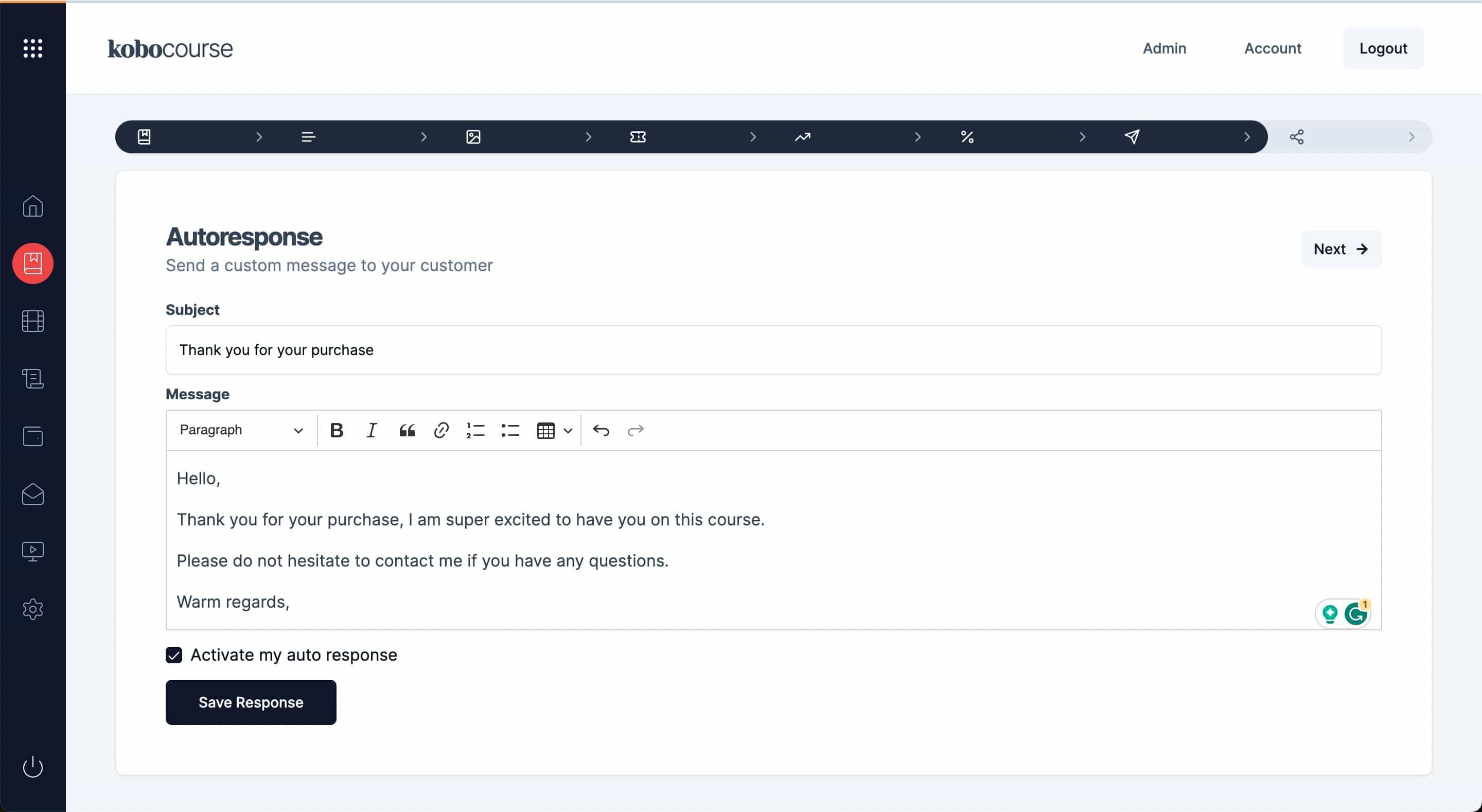
Step 3
Activate and save
Save each step. New buyers enter the sequence automatically after successful payment.
Tips & troubleshooting
- First email should deliver immediate value — access link, quick start, or welcome.
- Avoid duplicate content if you also use one-off autoresponse emails.
FAQ
Common questions
Waitlist sequences target pre-launch subscribers. Product sequences target confirmed buyers after checkout.