Overview
Ticket products help you sell access to webinars, workshops, conferences, and live events. Configure date, venue or link, capacity, and optional tiered pricing.
Before you start
- Creator account and event details (date, time, format).
- Venue or online meeting link ready for attendee instructions.
Step 1
Create an event ticket product
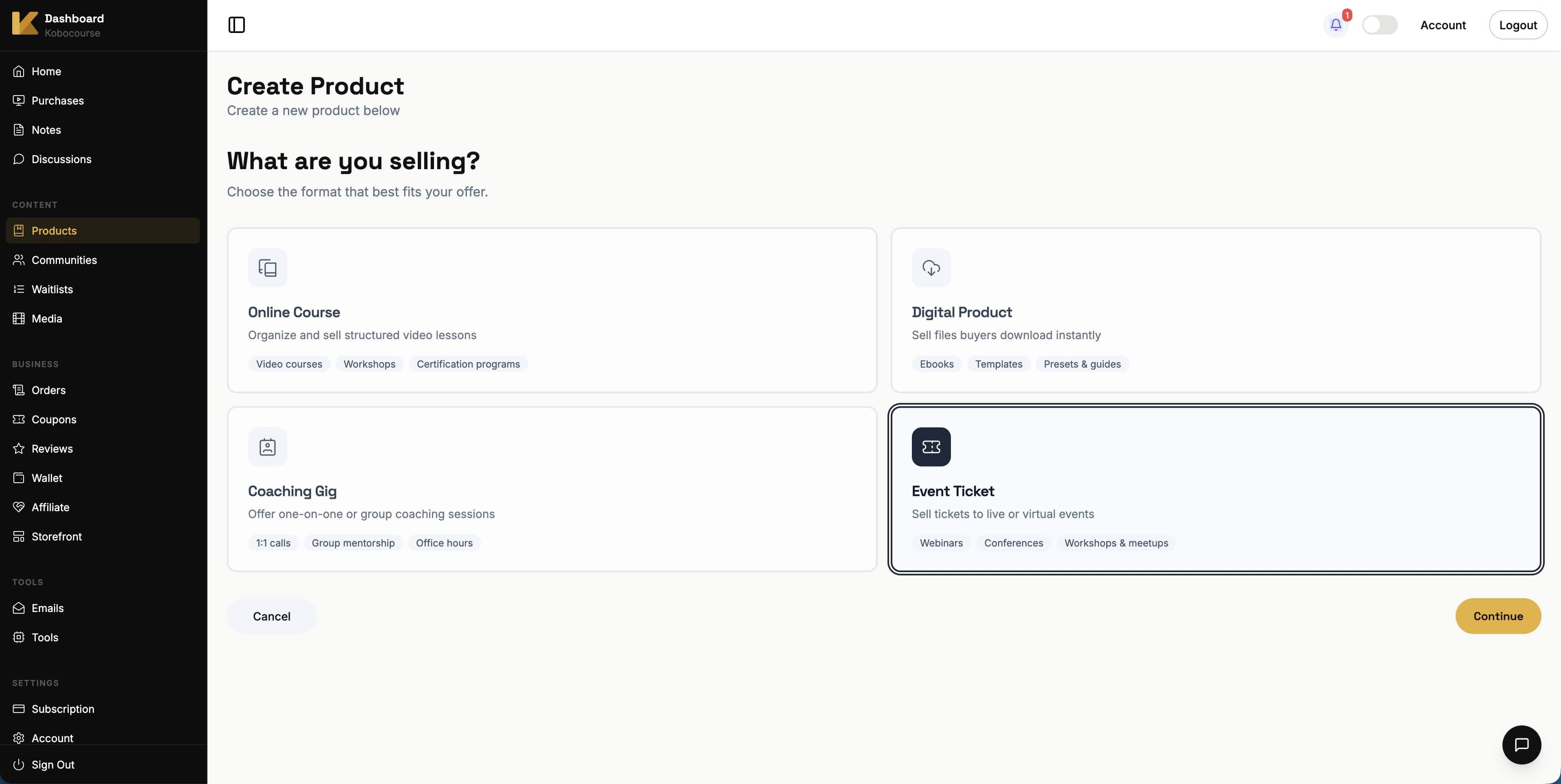
Go to Products → Add Product, select Event Ticket, and continue.
Step 2
Set event title and pricing
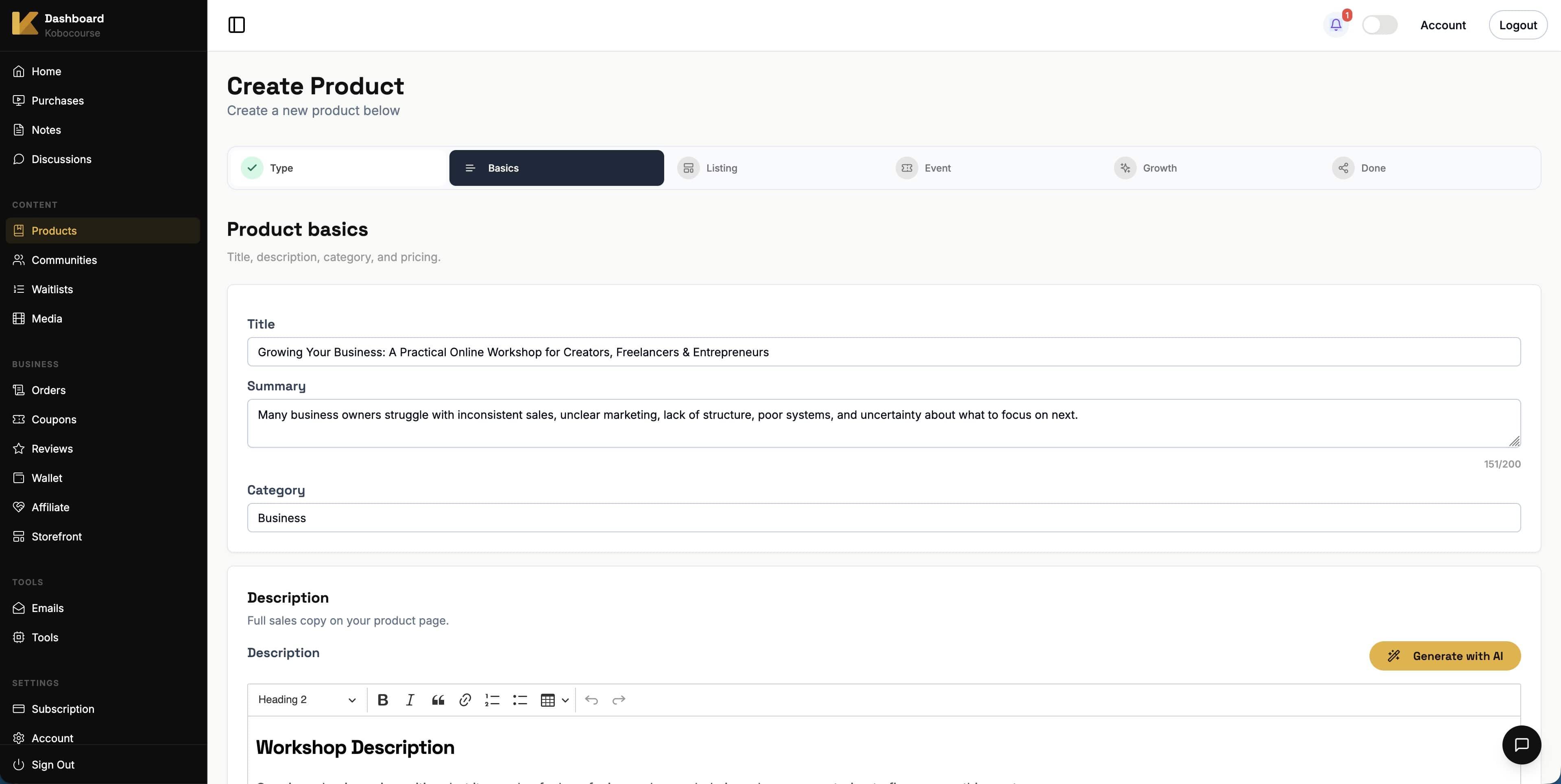
Describe what attendees get. Set price and currency. Enable tier mode if you offer VIP, early bird, or standard tickets.
Step 3
Design the ticket sales page
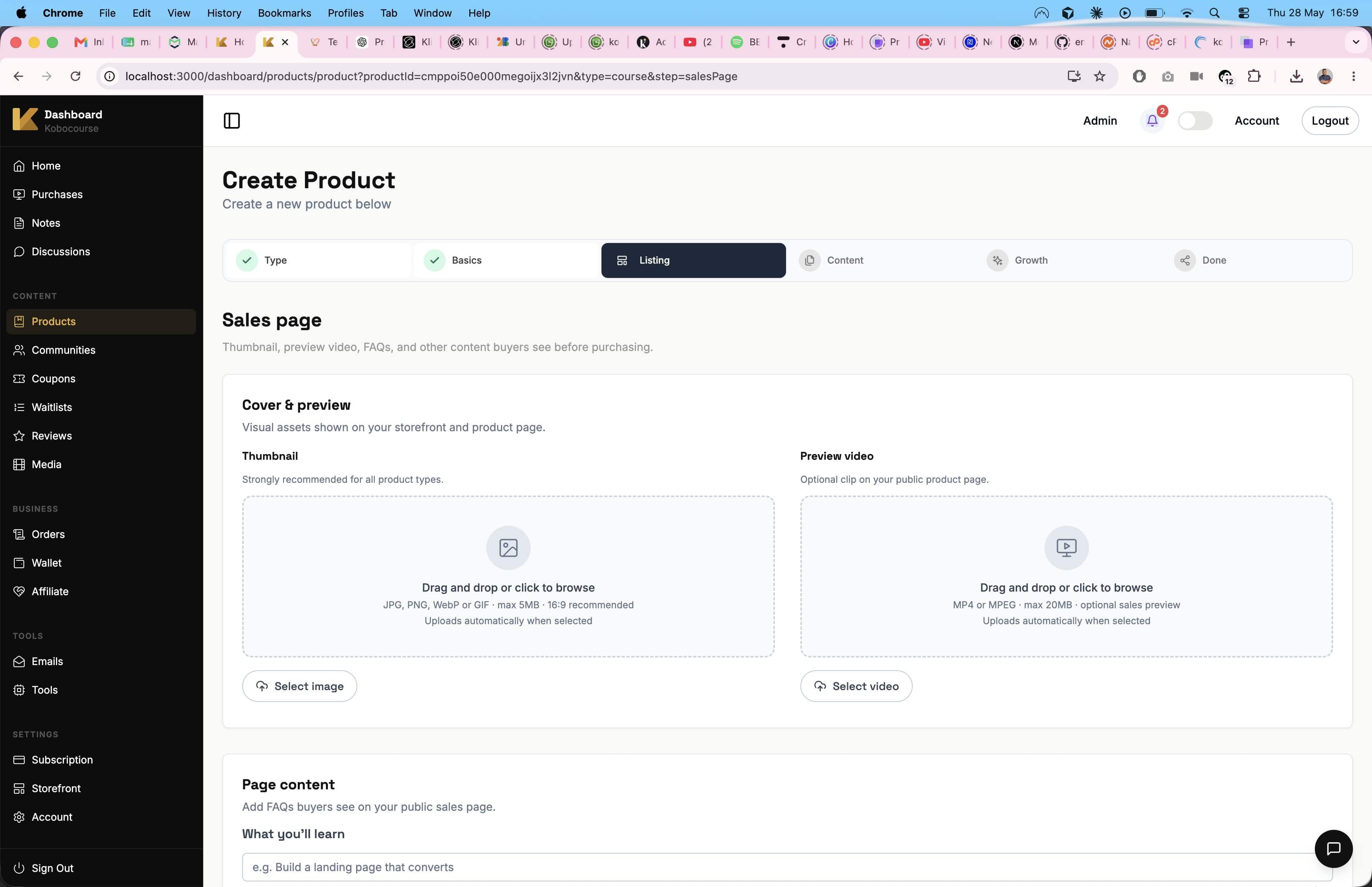
Use a strong visual for the event. Answer logistics questions (refunds, dress code, what to bring) in FAQs.
Step 4
Configure event details
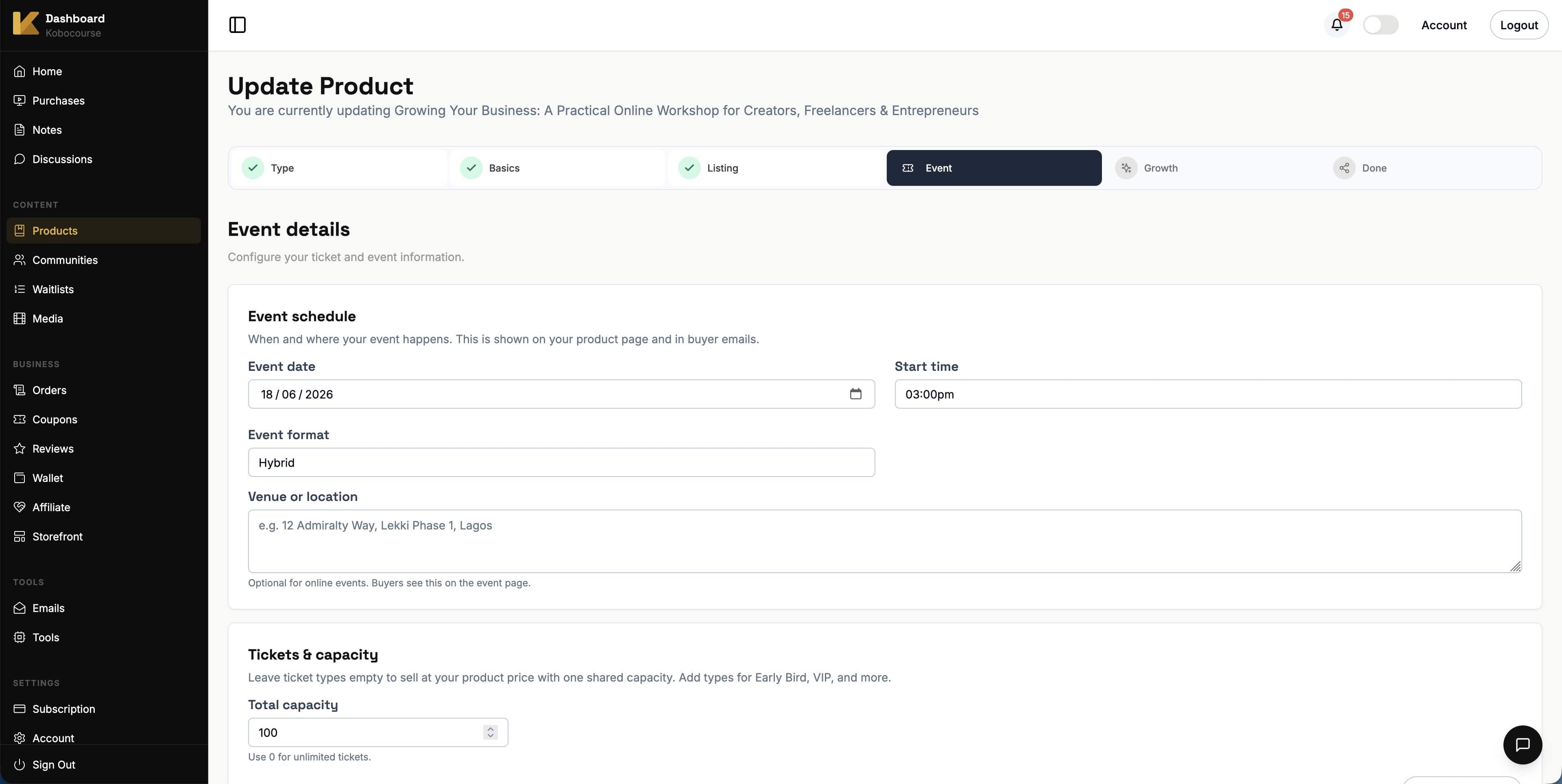
Choose online, physical, or hybrid format. Set event date and time, ticket quantity, and venue or streaming details.
Optional: add a redirect URL to send buyers to Zoom or registration page after purchase.
Step 5
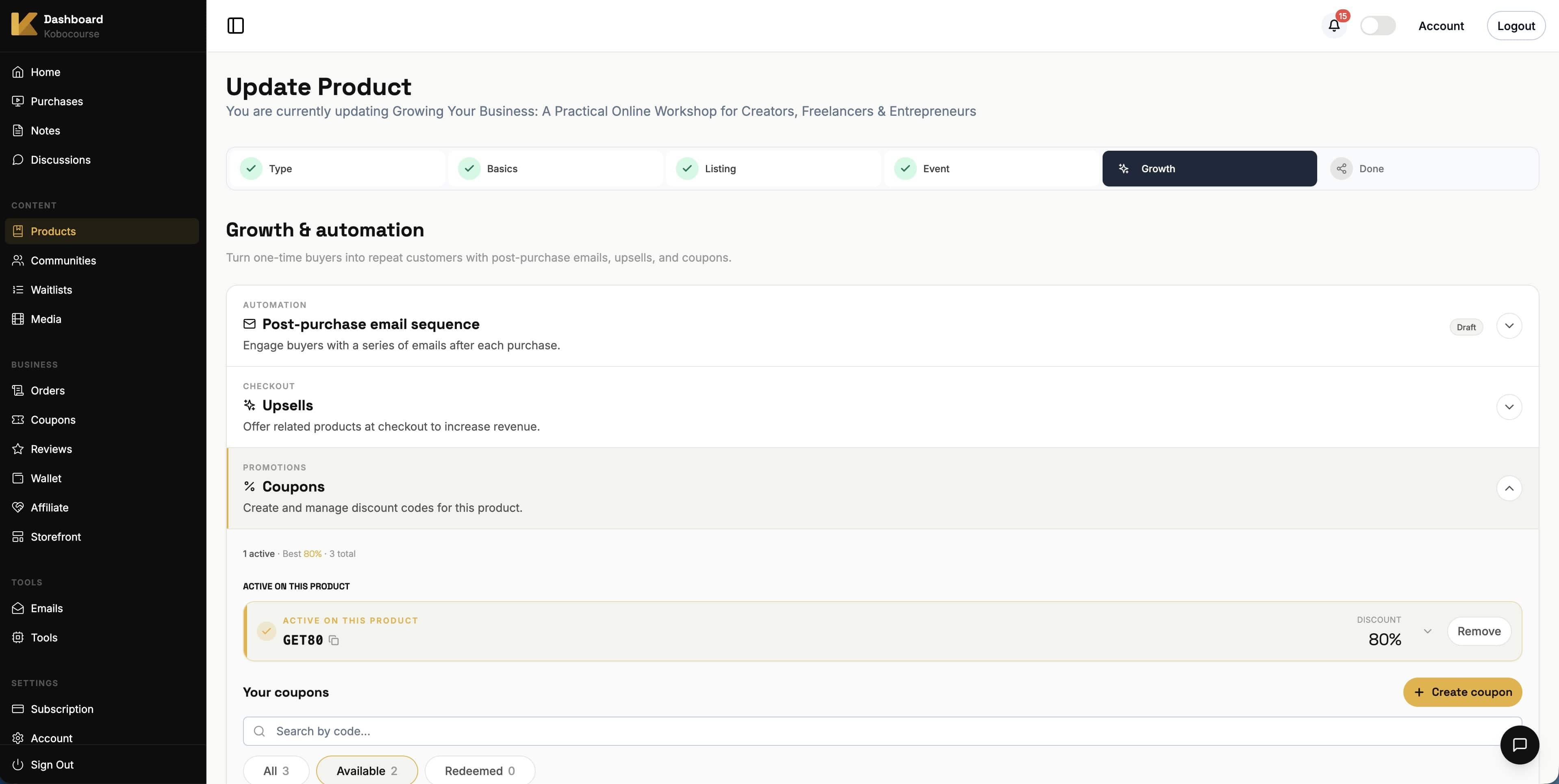
Configure growth tools
On the Growth step, attach related products as checkout upsells, enable coupon codes, and set up automated emails for ticket buyers.
Step 6
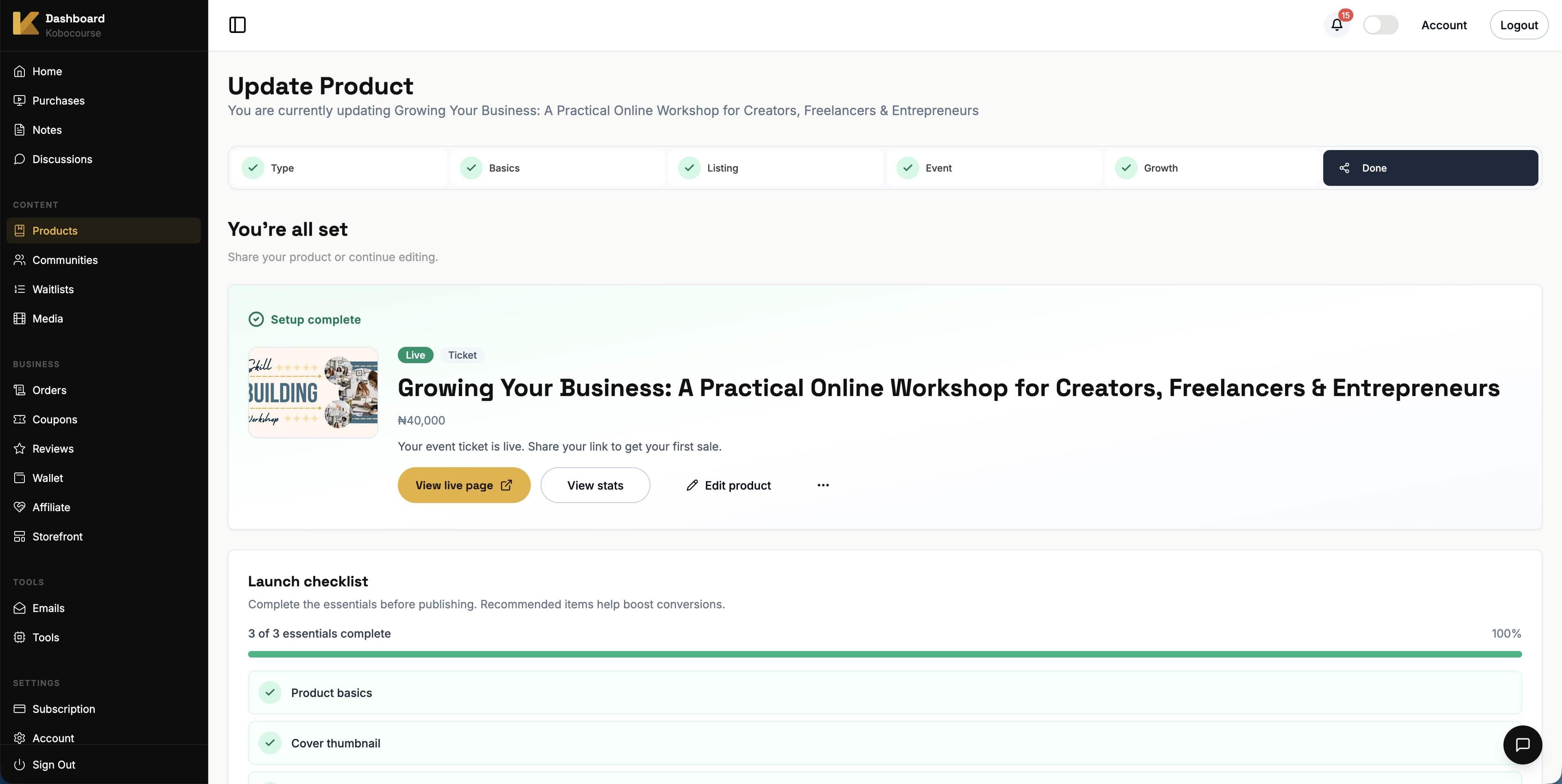
Publish and promote
On the final step, publish your product so it appears on your storefront. Share the product link on social media and email. Monitor sales from Orders in your dashboard.
Tips & troubleshooting
- Set quantity limits to avoid overselling physical venues.
- Use tiered tickets for early bird pricing without creating separate products.
- Post-purchase redirect is ideal for sending buyers straight to a Zoom link.
FAQ