Overview
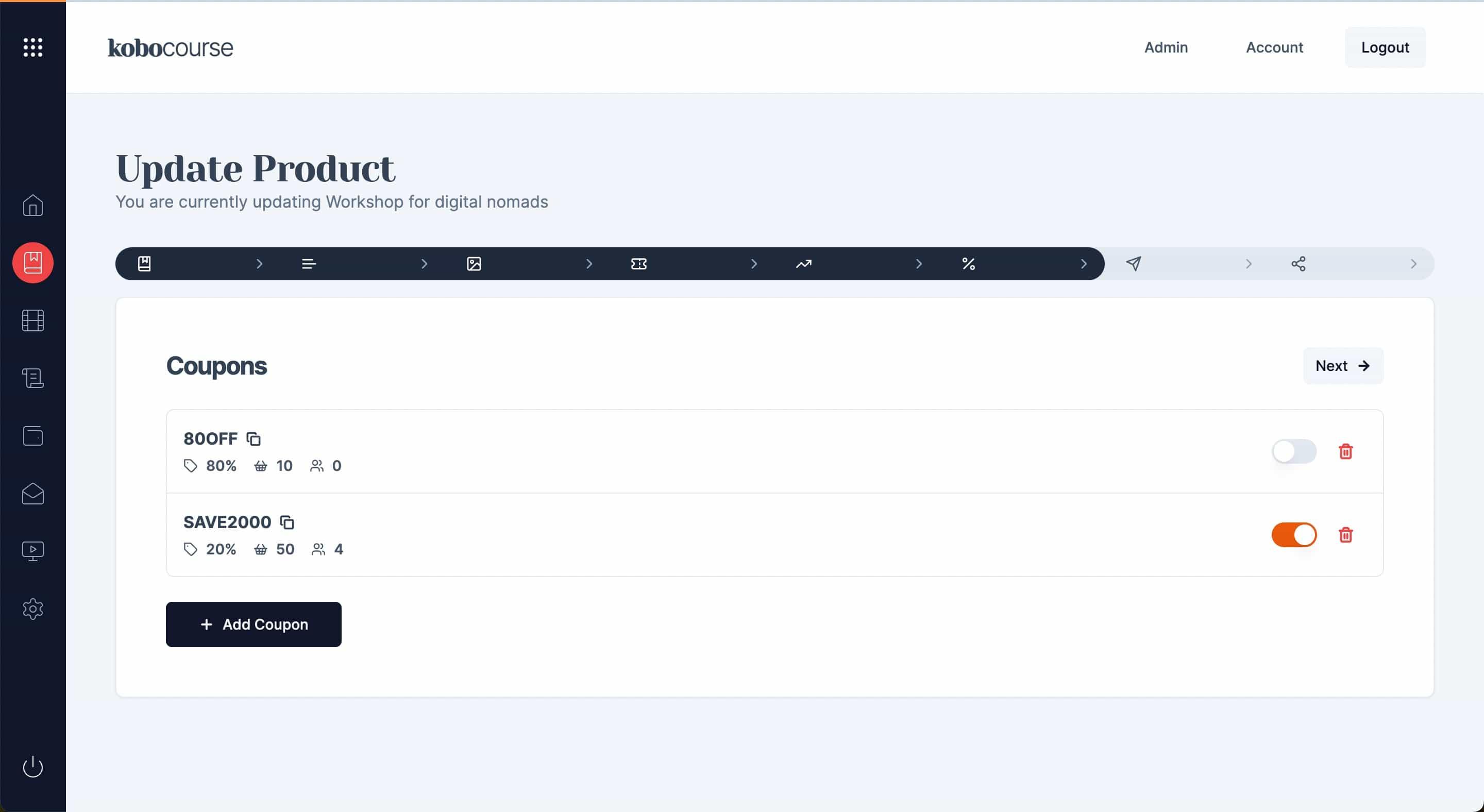
Coupons give buyers a discount at checkout. Create codes globally in Coupons, then activate them on specific products from the Growth step.
Before you start
- Creator account with at least one product.
Step 1
Create a coupon
Set code name, discount type (percentage or fixed), usage limits, and expiry if needed.
Step 2
Attach to a product
Edit a product, open Growth, and enable an existing coupon or create one inline.
Tips & troubleshooting
- Limit redemptions for launch offers to avoid abuse.
- Use 100% off coupons for complimentary access testing, not public promotion.
FAQ
Common questions
Create the coupon once, then activate it on each product from the Growth step.