Overview
Your storefront at kobocourse.com/username is where buyers discover all your products and communities. Customize the hero, links, and featured offers from the storefront editor.
Before you start
- Creator account with at least username and branding set.
Step 1
Open the storefront editor
Click Storefront to edit your public creator homepage layout and content blocks.
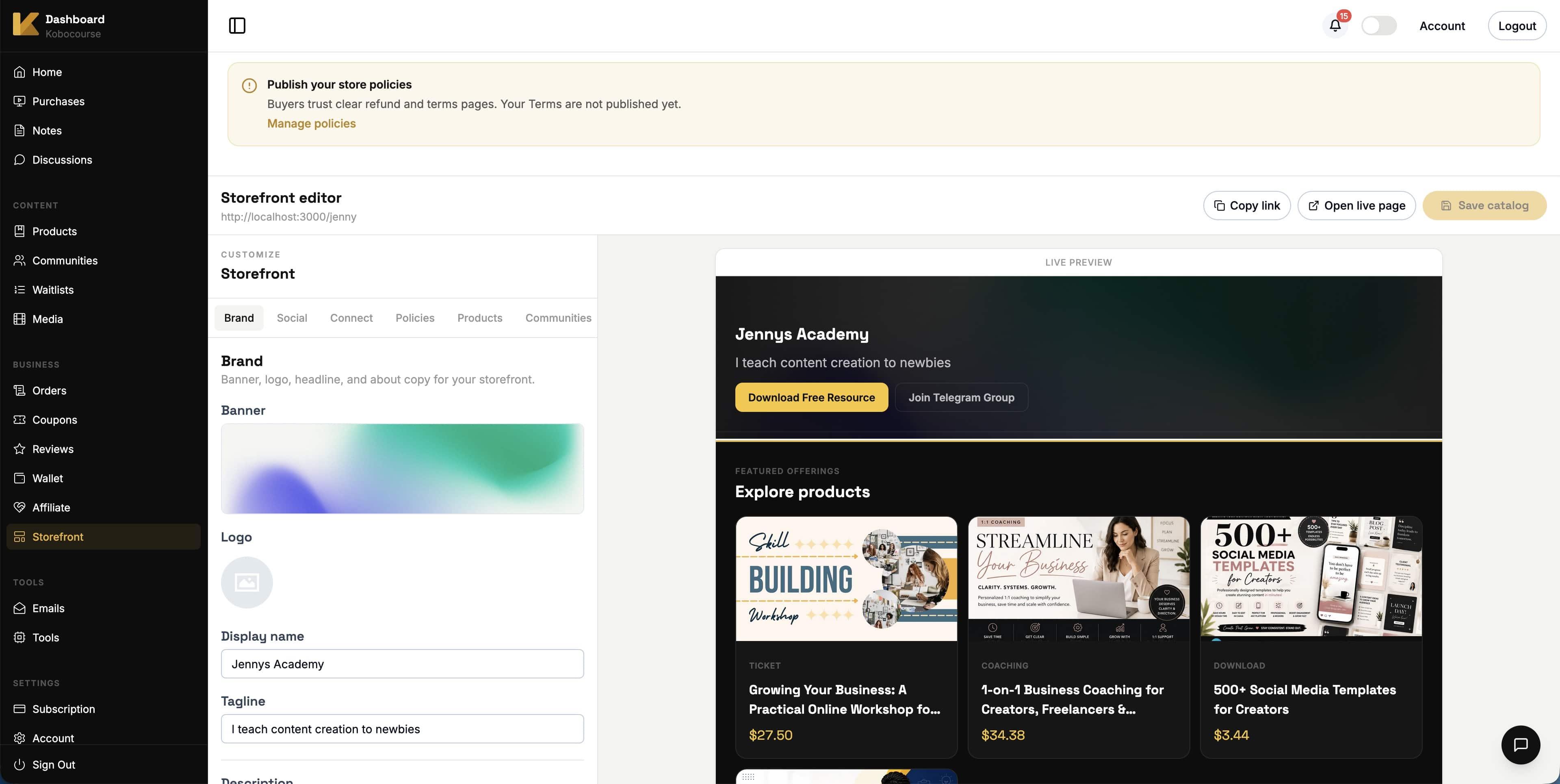
Use the Brand, Social, Products, and other tabs to customize each section. The live preview updates as you save.
Step 2
Configure hero and bio
Upload a banner and logo on the Brand tab. Add your display name, tagline, and description so visitors know who you are and what you offer.
Keep your tagline short for mobile visitors — it appears under your name in the live preview.
Step 3
Add social and contact links
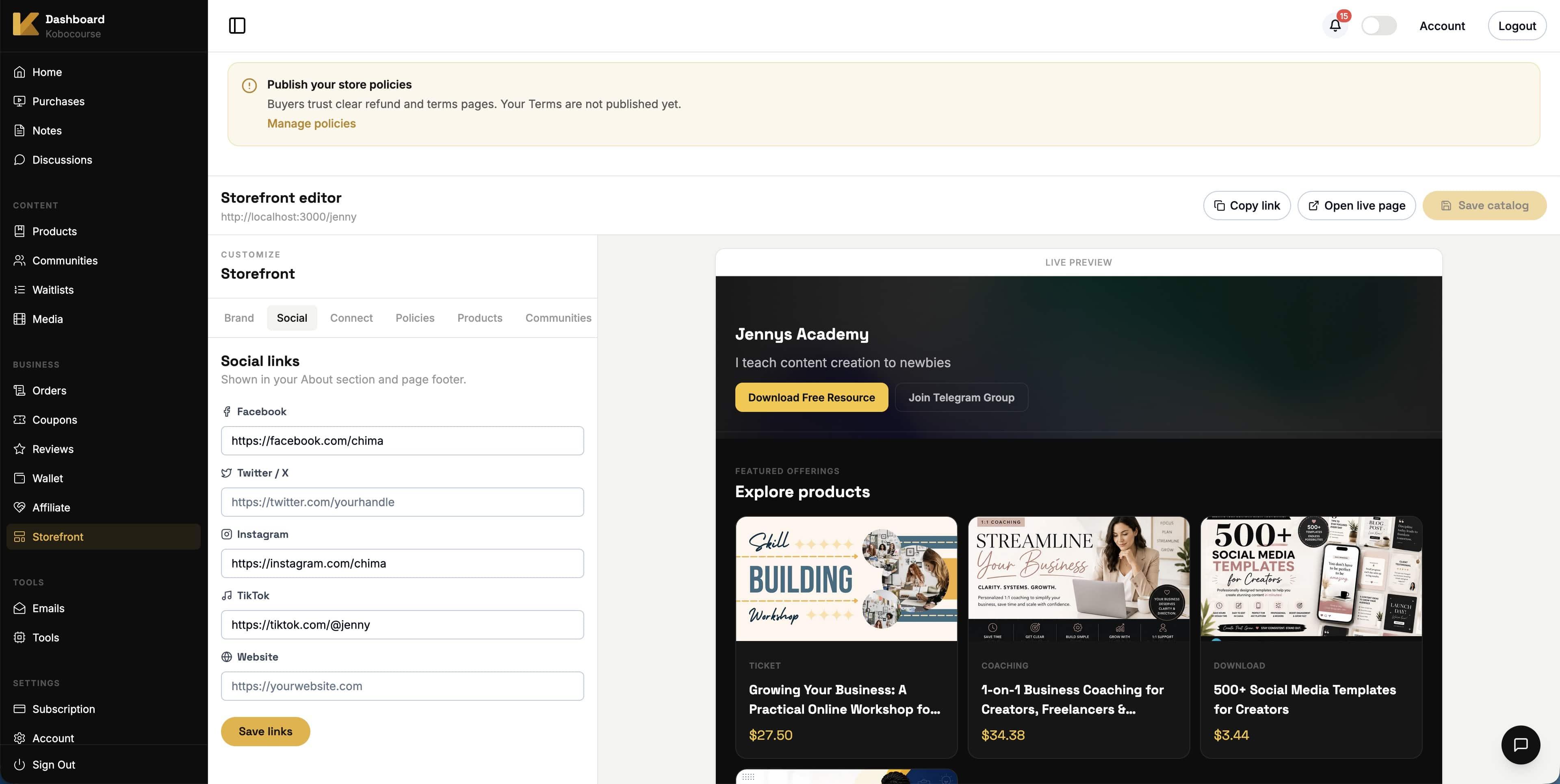
Open the Social tab and paste links to your profiles. Saved links appear on your public storefront for buyers who want to follow you.
Add a website URL if you want to drive traffic to an external hub or link-in-bio page.
Step 4
Showcase products on your storefront
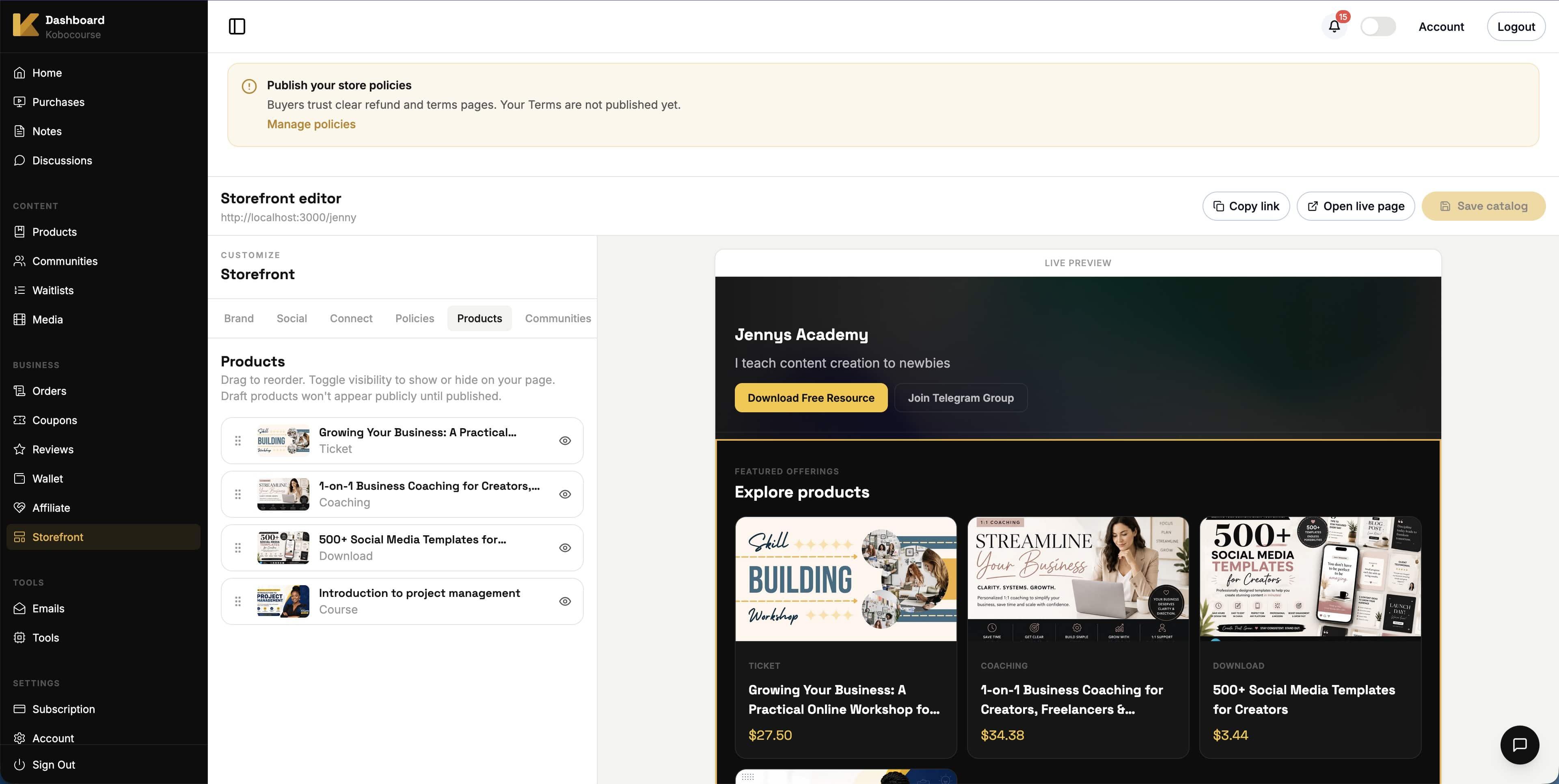
On the Products tab, drag products to reorder how they appear in Explore products on your live page.
Toggle visibility to hide a product from your storefront without unpublishing it. Draft products stay hidden until published.
Step 5
Preview and share
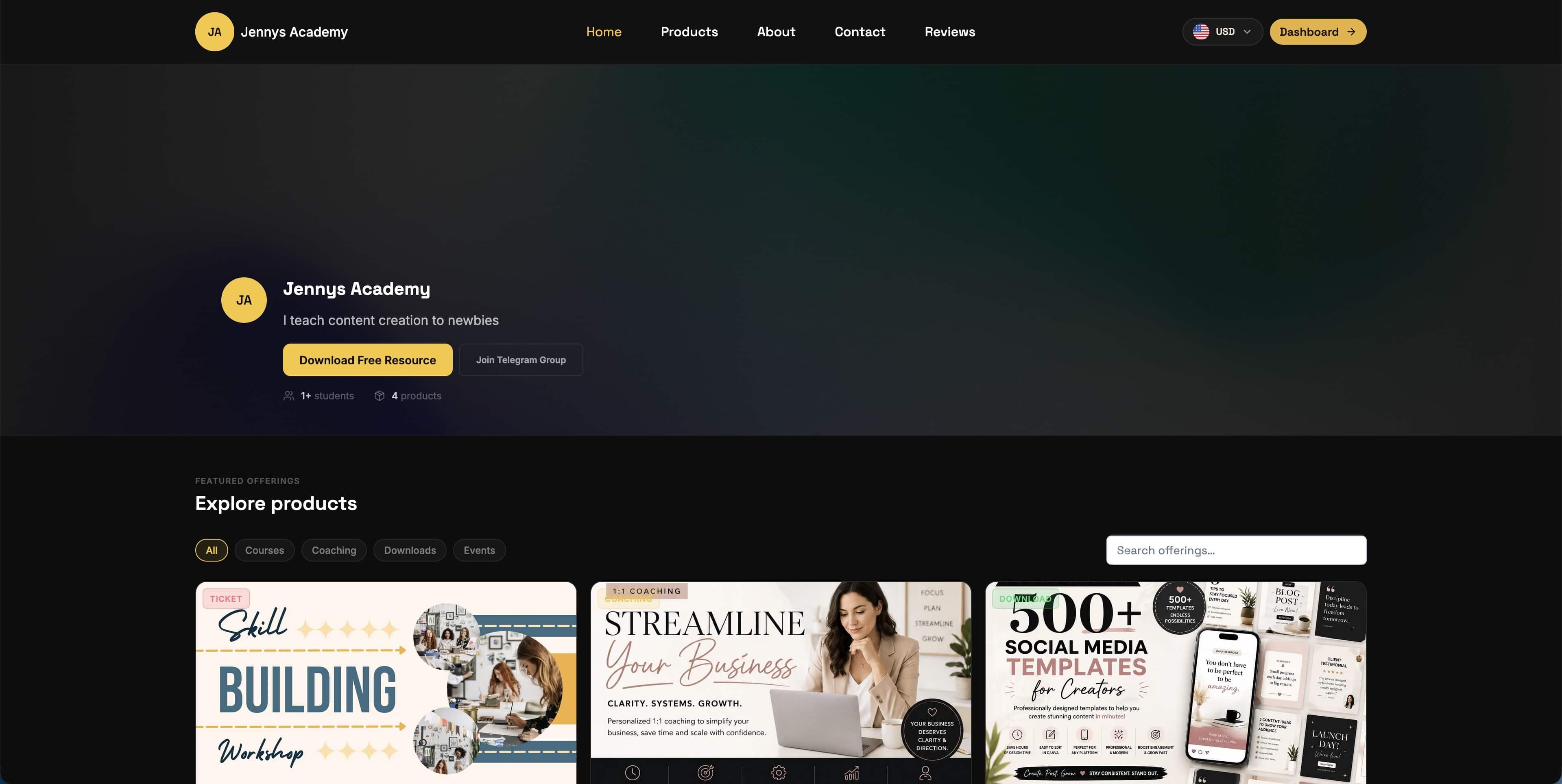
Click Open live page in the editor or visit kobocourse.com/your-username to see what buyers see.
Use Copy link to share your storefront in bio, email signature, and ads. Category filters help visitors browse courses, coaching, downloads, and events.
Tips & troubleshooting
- Complete branding before promoting your storefront link widely.
- Publish store policies so buyers see clear refund and terms pages.
- Link to your storefront from every product sales page via your username URL.
FAQ